

tHE TASK AT HAND
Pick ‘n’ mix isn’t just for sweet shops…
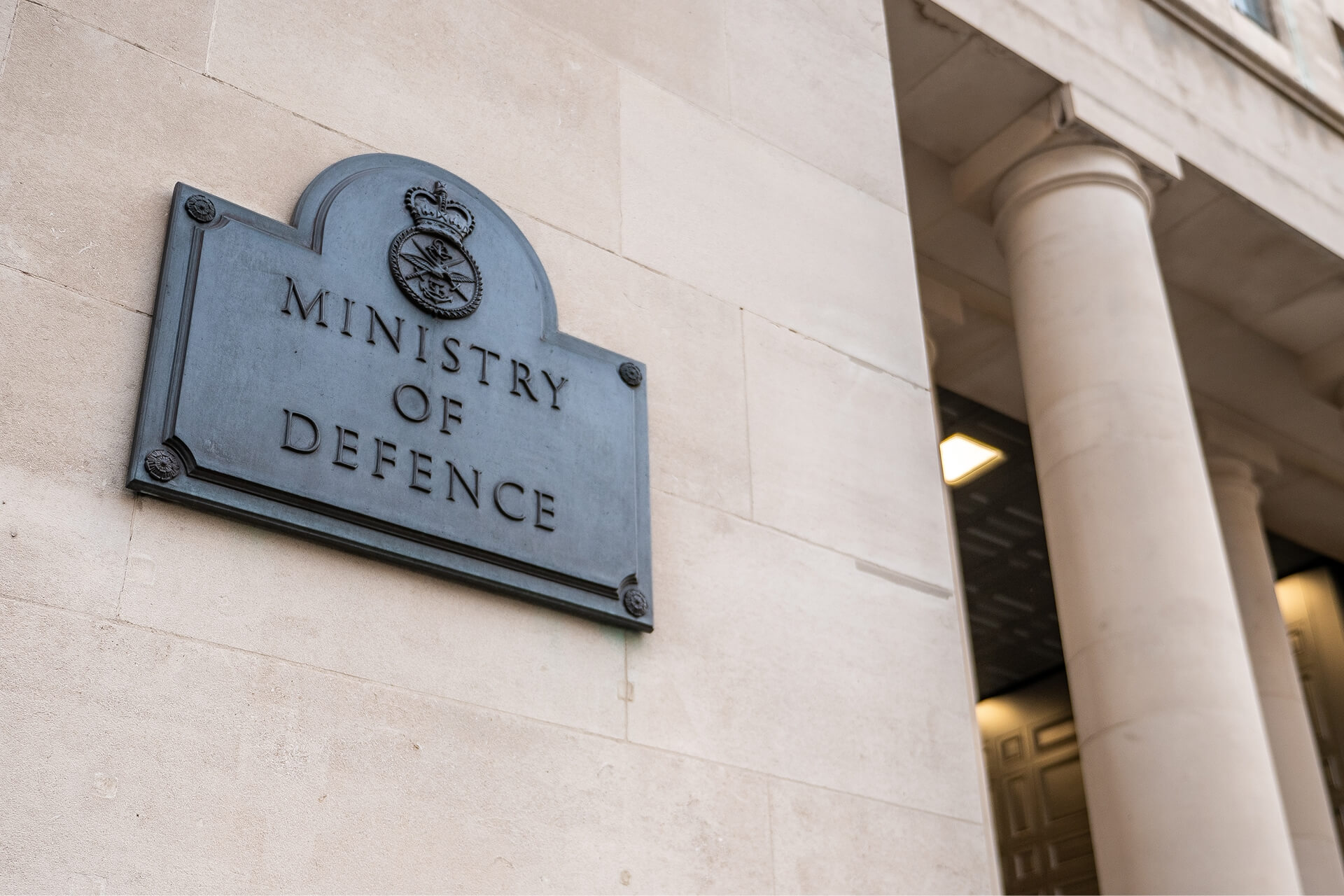
Ministry of Defence needed to increase adoption of Microsoft Teams across the organisation. During a time of global unease and constant change, they were looking for unique ways to break through the noise and connect with a workforce spread across the world.
The project in numbers
We developed a visually distinctive Teams campaign themed around nine core topics, designed to help users work together and communicate with each other in a hybrid working environment.
increase in Teams users across the organisation.
core Teams topics covered, increasing user confidence.
courses designed to help people learn practically.
What we did

Virtual pick ‘n’ mix shop
We developed a virtual pick ‘n’ mix shop with posters, digital screens, illustrative characters, one page guides, courses, email templates and more.
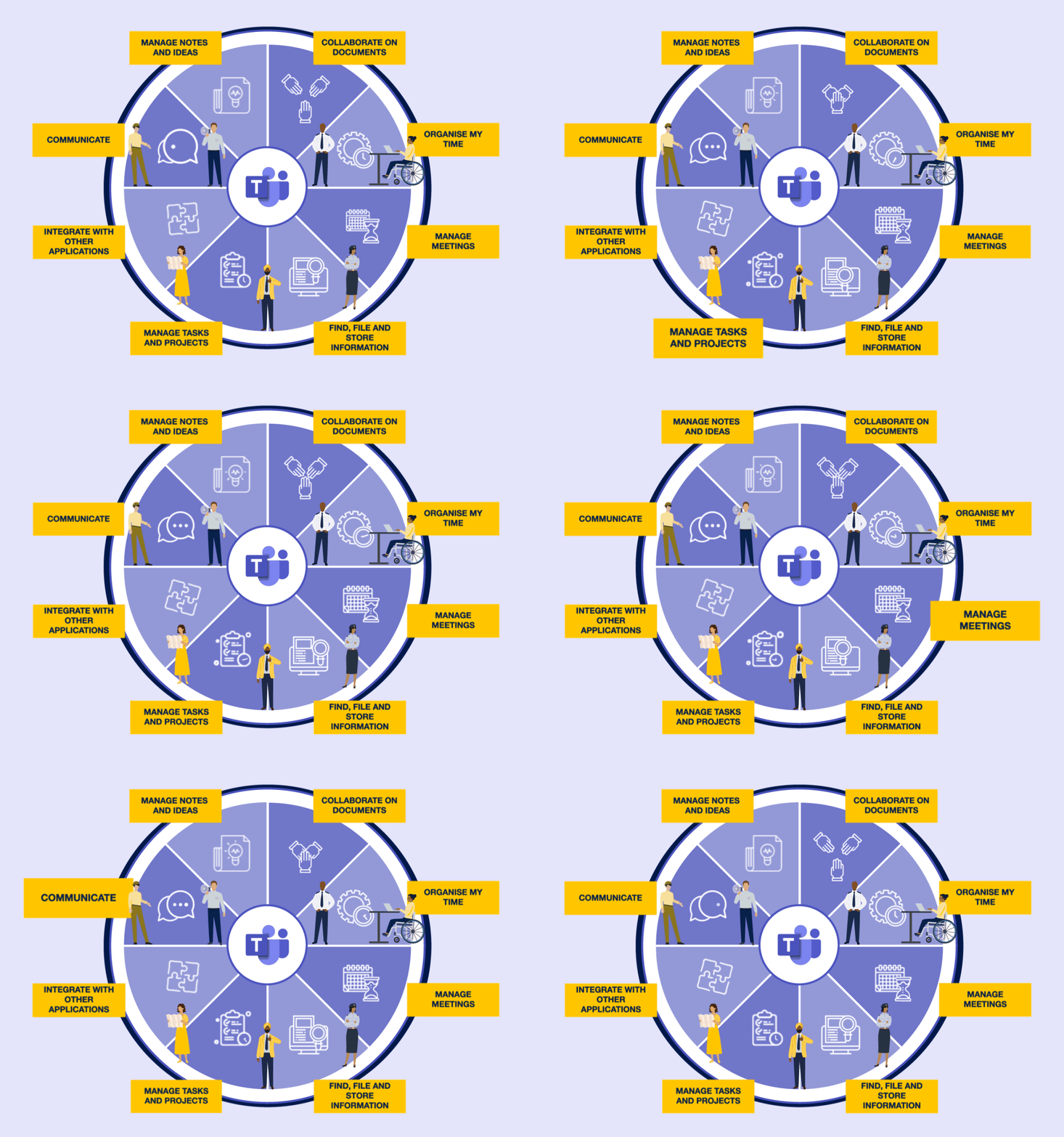
Teams wheel
We looked at all the capabilities within Teams, divided them into nine core topics and designed an overarching creative solution to support this. It became the core of the campaign as we moved from one topic to the next.

Inclusive and accessible content as standard
We developed content with inclusivity in mind, from how it looks, how it sounds, to how it’s accessed. We added alt text to all images, used a colour checker, colour contrast tools and plain English to make sure all content was easy to read and understand.
Engaging video explainers, tailored for users in MOD
We developed video animations to showcase digital tools and bring use cases to life. Through simple storytelling and vivid visuals, we didn’t just tell users about the benefits of Microsoft Teams, we showed them.
How we did it
We asked questions
We talked to end users about their knowledge gaps, what they wanted to see and find out about and took time to understand their priorities to deliver the right solutions.
We made it simple
We created practical content like guides with screen shots and instructions and stripped out words that didn’t add value. By keeping it simple, we made it easier for users to work together in Teams.
We tested it
Reviewing and signing off content before publishing made this roll out unique. We asked users from different locations, levels and roles to make sure our content was hitting the mark and positioned right. This ultimately led to a change in ways of working.
The result
By taking complex content and making it simple and visually engaging, we excited users and helped drive Teams adoption. On top of help and support, we gave users choice in how they received information and as a result, increased their confidence in using Teams.
Through our interactive learning sessions, both standard and relaxed paced, we helped them learn in a way they preferred. With 24/7 access to our self-service options, including user guides and how to videos, users were able to learn at their own pace, using the right channel.
“
We deliver critical projects and programmes that rely on our ability to work together, share ideas and get the most out of the tools we have. So, it’s important we understand how to harness these platforms by working with the experts who can help us do just that.
”
Jim Robinson
Head of Base Services, UK Ministry of Defence

